
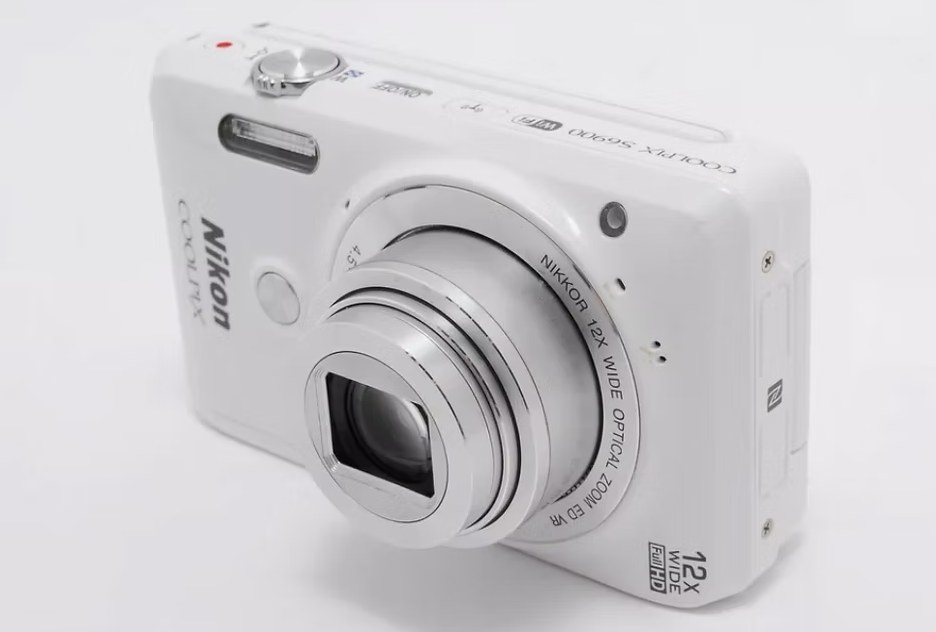
In 2026, there is something quietly rebellious about pulling a hefty silver Canon PowerShot or a hot pink Sony Cyber-shot out of your bag. While everyone else is unlocking their phones, framing a shot and applying an AI filter before the photo has even reached the cloud, the device in your hand does almost nothing at all. It simply takes a picture. And somehow, that picture looks better than the overprocessed version on your phone, or at least more interesting.
Old digital cameras are enjoying a genuine renaissance. Sales of compact cameras with built-in lenses have soared, second-hand shops are selling old models for hundreds of pounds, and Gen Z has even turned "CCD image quality" into a distinct aesthetic. The reasons behind all this go far beyond nostalgia.
The technology behind modern phone photography is astonishing. Computational photography stacks multiple frames, recovers shadows, suppresses noise and sharpens every detail, ultimately producing a clean, high dynamic range image that looks as though it has been lightly retouched by a professional. The problem is that, over time, every photo starts to look the same. Smooth skin, perfect exposure, and a kind of cold perfection that ends up feeling lifeless.
Old digital cameras, especially those fitted with CCD sensors, work in an entirely different way. They do not try to fix everything. The colours tend to be warmer, or slightly peculiar, in a way that feels organic rather than algorithmically manufactured. Highlights may blow out. The flash is harsh and direct. Many people describe the result as film-like, even though it is still a digital photo. It is simply digital from an era before processors were clever enough to keep intervening.
That "imperfection" is precisely the point. A party photo taken on a 2006 digital camera looks like a memory. Direct flash produces the same slightly overexposed faces and deep black backgrounds found in early Facebook albums. The limited dynamic range means the camera makes trade-offs rather than trying to capture everything. In an age of AI enhancement and endlessly editable images, that restraint comes across as sincere.
The difference lies not only in the final file. The very act of taking a photo has changed.
A smartphone is a distraction machine that happens to have a camera. The moment you take it out, a notification can pull your attention away and make you miss what is happening in front of you. You can shoot, edit, post and check the likes all within a single minute.
An old digital camera is nothing like that. It has physical buttons and a real shutter sound, or at least a deliberately manufactured one. You cannot check Instagram between shots. Many models will not even show you a high-definition preview until you have transferred the memory card to a computer. That delay creates a small ritual. You press the shutter, put the camera away, and look at the photos later.
There is also a psychological shift in how many photos you take. Phones encourage volume, with burst mode, continuous shooting and the assumption that anything unsatisfying can be deleted later. An old camera usually writes more slowly, has a smaller memory card, or is simply a little less convenient as a dedicated device. You become more selective. Composition matters more, because you no longer treat every second as potentially postable content.
People who have moved some of their shooting over to these cameras often say they feel more present at parties, on trips, or simply when hanging out. The camera becomes a tool for observing, rather than a gateway back to the phone.
Part of it is pure nostalgia. The styles of the early to mid 2000s are back in fashion, and the cameras that documented that era have returned along with them. For those who were children or teenagers at the time, these photos carry a familiarity that modern phone photos can never match. For younger users encountering them for the first time, the look feels fresh and distinctive.
The deeper reason is aesthetic fatigue. After years of algorithmic feeds, computational photography and AI tools that can generate or "enhance" almost anything, a growing number of people want photos that feel more natural and less manipulated. The digital camera revival coincides with a broader interest in film photography and other analogue or semi-analogue approaches. There is a longing for constraints, for unpolished texture, and for images that were never optimised to grab attention.
On any technical level, these cameras cannot compete with phones. They are generally worse. Slower, lower resolution, poorer in low light. But "better" and "more interesting" have never been the same thing. For many people, the phone is now optimised for sharing, while the digital camera is optimised to make you feel that you have genuinely taken a photograph.
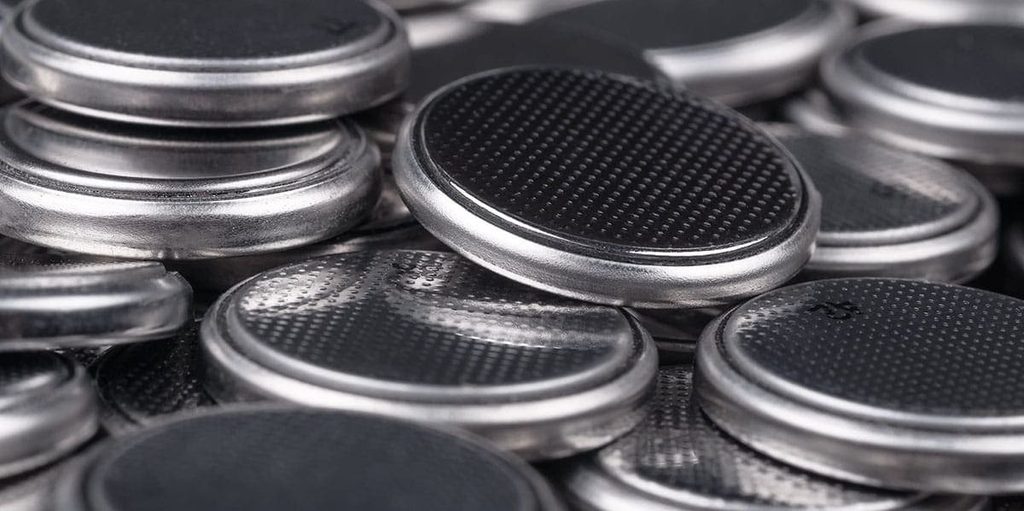
The CR2032 coin cell battery is one of the most common coin cell batteries on the market. It is widely used in car keys, watches, calculators, remote controls, motherboard CMOS batteries, digital scales, and a wide variety of small electronic devices.
Sometimes these little disc batteries sit in a drawer for years, and one day you find them with no idea whether they still work. A battery may look perfectly fine on the outside but lack enough charge to power a key fob or keep a clock running properly. Below is a practical guide to testing CR2032 batteries, covering both methods that use a multimeter and methods that require no special tools at all.
A digital multimeter is the best tool for this job.
Typical readings (open circuit):
One thing to keep in mind: a multimeter draws almost no current, so a battery can show a normal voltage even when its internal resistance is very high.
For a more accurate check, you can place a resistor, typically 100–150 Ω, across the battery terminals and measure the voltage again after a few seconds. If the voltage drops significantly, the battery is bad, even if the no-load reading looked fine.
You can get useful information without any tools.
Insert the battery into a device you know works, such as another key fob of the same type, a small LED light, a calculator, and so on.
If the device works normally, the battery is fine. If performance is weak or there is no response at all, the battery is low or dead.
This method is often more useful than simply measuring voltage, because it tests the battery under real-world conditions.
Take a small red or yellow LED, since these require less voltage than blue or white LEDs. The longer lead is usually the positive side (anode). Connect the longer lead to the positive side of the battery and the shorter lead to the negative side.
This is a quick current-draw test, not a precise measurement.
Avoid tricks like the "spin test" or the "bounce test," as they are not reliable for CR2032 batteries. For safety reasons, testing a battery with your tongue is also not a good idea.
If you have a multimeter, measure the voltage. Anything above roughly 2.9–3.0 V is generally fine. Anything below 2.7 V means it is time for a replacement. For critical or high-drain devices, consider doing a quick load test.
If you do not have a multimeter, the best approach is to pop the battery into a device known to be working, or check it with an LED.
When in doubt, just replace the battery. CR2032 batteries are cheap, and a fresh one eliminates all the guesswork.